
Geometry Dash for PC (v2.206) Download & Play Full Version on Windows & Mac

App Name | Geometry Dash (PC Version) |
Latest PC Version | v2.206 (Steam Release) |
Platform | Windows / macOS (No APK Required) |
File Size | 100–285 MB Installed |
Developer | RobTop Games |
Distribution | |
Category | Rhythm / Action Platformer |
Updated On | 2025 |
Rating | 4.8 (PC Community Score) |
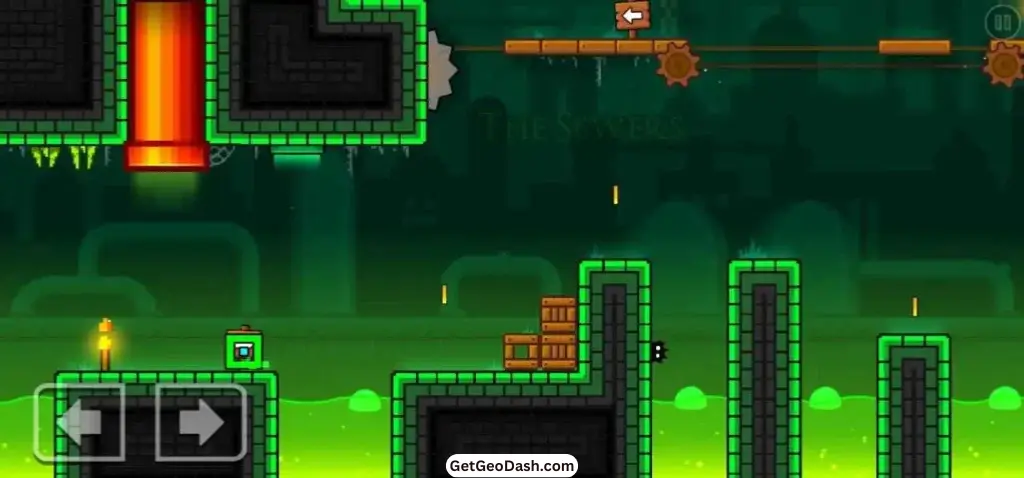
Geometry Dash for PC is one of the most reliable and responsive games to play. The PC version 2.206 runs with almost zero input lag, delivers sharper 1080p visuals, and supports high refresh rates, making every jump feel clean and accurate. It’s noticeably smoother than the mobile versions, especially during fast or tight sequences.
On PC, you get complete control of Geometry dash Demon levels, building custom maps, or comparing scores with friends. You don’t need emulators, APKs, or any extra tools. Geometry Dash installs directly through Steam and works right away.
After playing on both PC and mobile, the difference is obvious. The timing on PC feels tighter, the movement is more stable, and the whole experience is much more consistent. If you want the most precise and polished way to play Geometry Dash, the PC version is your best option.
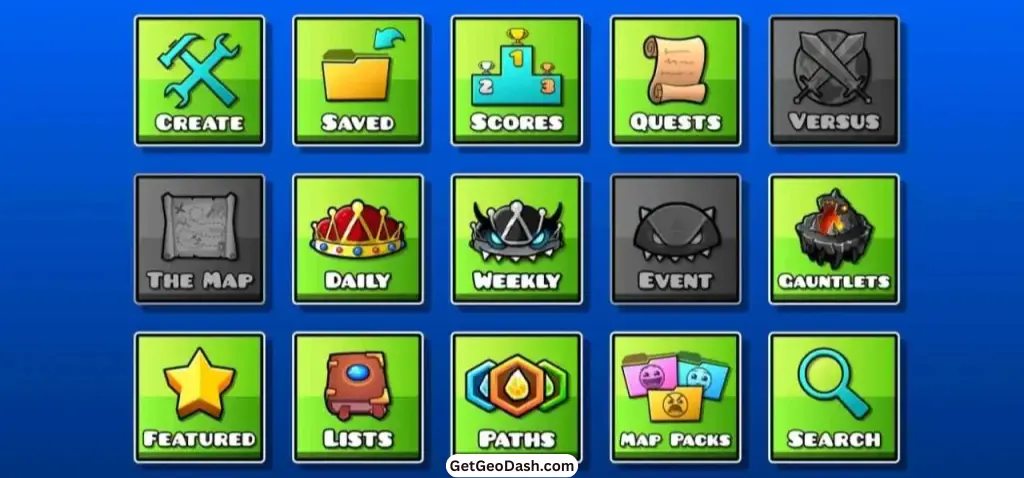
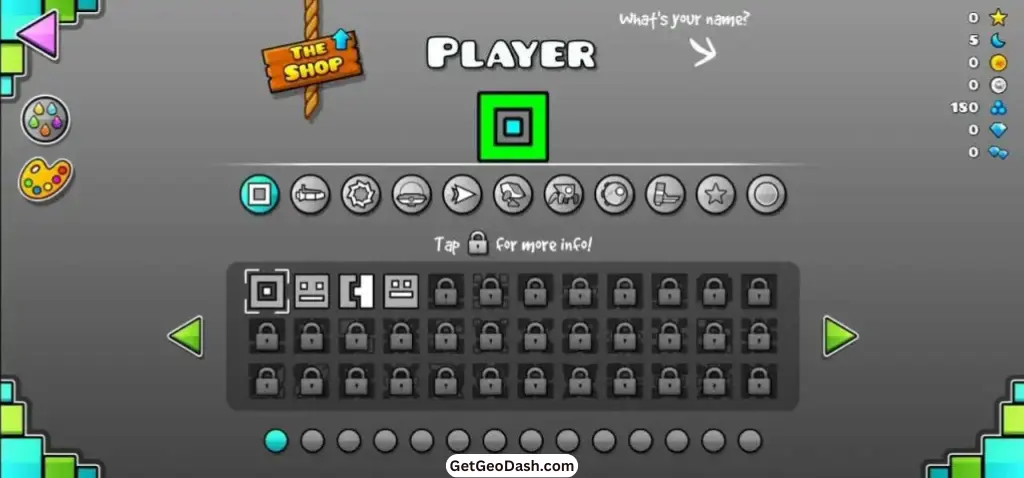
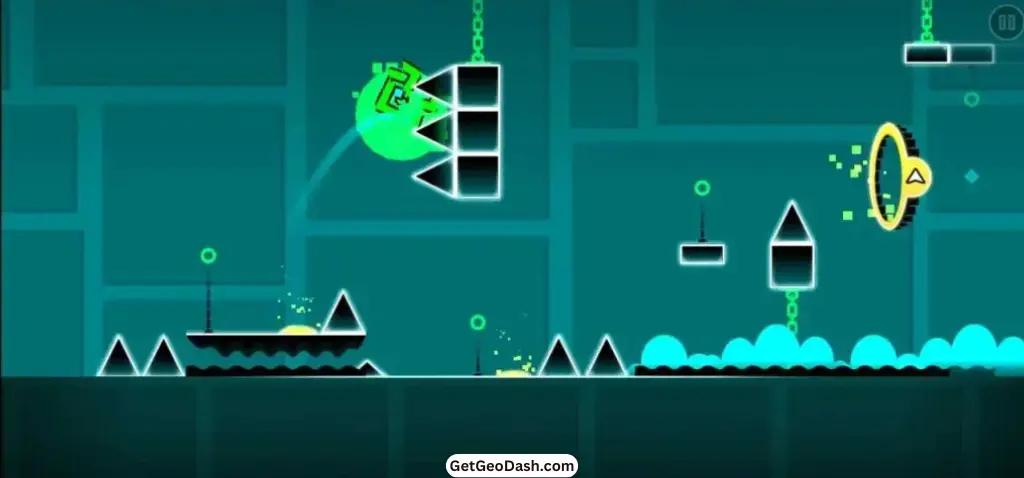
What Is Geometry Dash v2.206 for PC?
Geometry Dash v2.206 for PC is the official desktop version of RobTop Games’ rhythm platformer. It plays just like the mobile version, but the experience is noticeably better on a computer. You get sharper HD visuals, higher refresh rates, faster input response, smoother keyboard or mouse controls, and a much quicker level-editing workflow.
The game runs through Steam with automatic updates and includes all 26+ official levels, the full Level Editor, custom music support, achievements, online levels, and cross-platform progress sync using your RobTop account.
If you’re coming from Android, you can also check out our Geometry Dash for Android page for a full comparison and APK guide.
Geometry Dash (v2.206) PC Version Features
The Geometry Dash v2.206 update for pc is almost same as the android version, but It runs more smoother, crashes less, and offers more options for creating and enhancing your experience.
Smooth Gameplay
High refresh rates, stable frames, and almost zero input delay make tight jumps and fast timings feel cleaner and more reliable.
Precise Controls
Multiple key bind options and instant input response give accurate jumps and consistent control during harder levels.
Sharp HD Graphics
Supports 1080p+ resolution with smooth animations and clear effects, making obstacles easier to read on any screen.
Faster Level Editing
Keyboard and mouse make object placement, trigger adjustments, and level testing much quicker and more precise than mobile.
Official Steam Version
Installs directly through Steam with full stability, auto updates, and no need for APKs, emulators, or third-party workarounds.
All Levels & Maps
Includes every official level, platformer mode, Demon stages, and fast loading for millions of community-made maps worldwide.
Cross-Device Sync
Syncs your stars, coins, icons, and level progress across devices through your RobTop account, except custom songs and editor files.
Geometry Dash v2.2 Gameplay Experience on PC
Playing Geometry Dash v2.206 is a whole new experience compared to Geometry Dash APK version, It is more smoother, faster, and more precise.
Thanks to the near-zero input lag and high refresh rates, every jump, flip, and flight feels sharper. This makes it much easier to tackle the trickiest parts of the game, such as:
- Wave Sections – Glide through tight paths with precise timing.
- Ship Corridors – Navigate fast-moving sections with clean, responsive controls.
- Mini Robot Jumps – Land perfectly on small platforms without accidental falls.
- Timing-Based Portals – Switch forms and directions with exact rhythm.
Even Practice Mode feels better on PC. Levels reload instantly, checkpoints trigger without delay, and you can repeatedly retry difficult sections without losing rhythm.

Levels & Difficulty in Geometry Dash (v2.206) PC Version
All official Geometry Dash levels are playable on PC, from easy to Demon.
Difficulty | Examples | Notes |
|---|---|---|
Easy | Stereo Madness, Back on Track | Perfect for beginners |
Normal | Polargeist, Dry Out | Slightly faster timing |
Hard | Base After Base, Can’t Let Go | Needs rhythm accuracy |
Insane | Theory of Everything, Clutterfunk | Tight jumps + fast changes |
Demon | Clubstep, Deadlocked | Only for advanced players |
💡 Tip: If you’re new to Geometry Dash game, start with Beginer levels, then move up to Demon challenges as your timing improves.
How to Download & Install Geometry Dash v2.206 on PC (Windows)
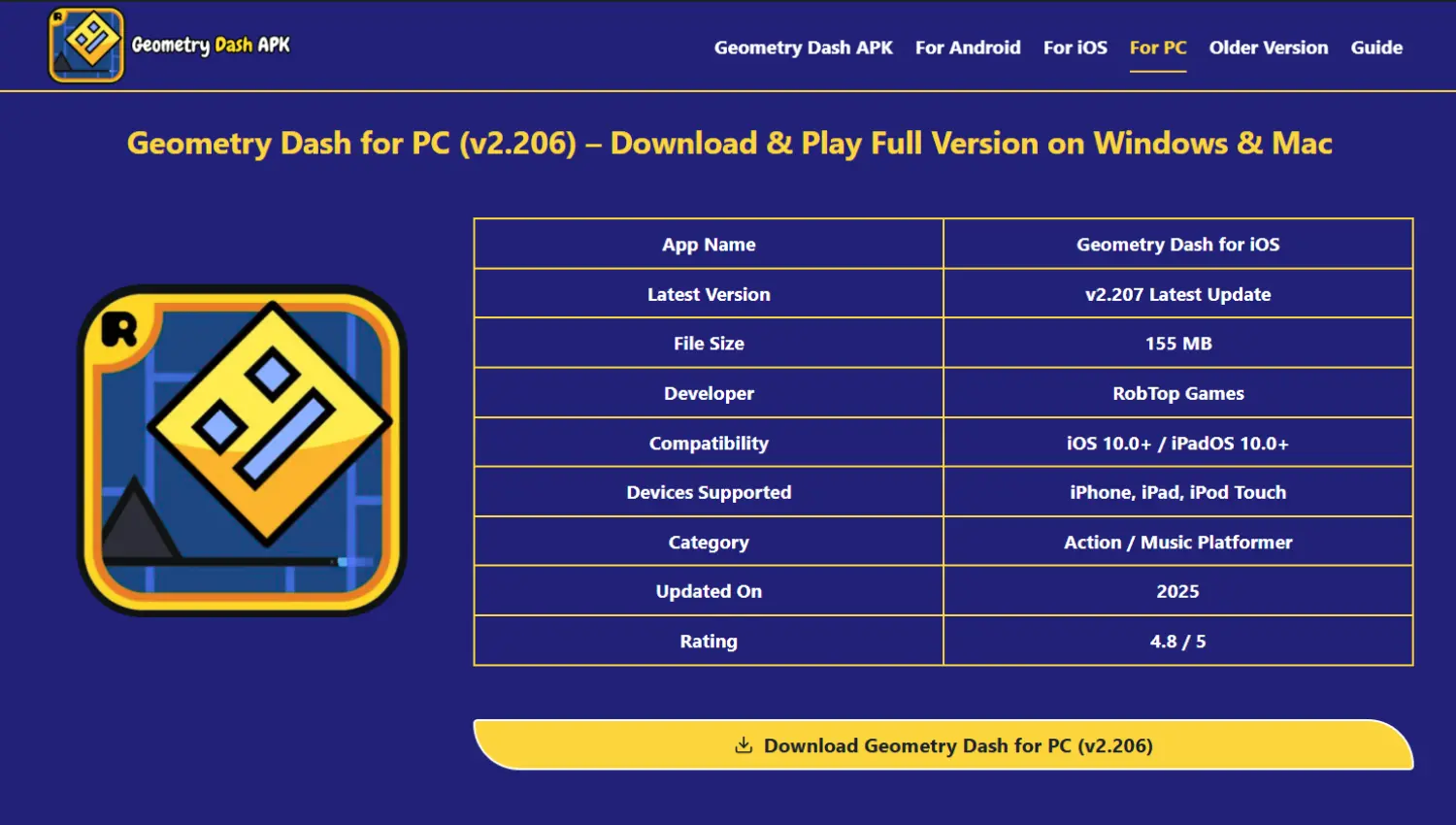
Setting up Geometry Dash v2.207 on PC is simple. You can download it directly from the App Store or sideload it using trusted sources if you want the unlocked version.
Method 1: Official Steam Installation (Recommended)
1️⃣ Install Steam
Download the Steam client on your Windows device and log in.
2️⃣ Search for “Geometry Dash”
Find the official RobTop Games version in the Steam store.
3️⃣ Purchase Once
- Pay a one-time price $2.99.
- No ads, no subscription, lifetime access.
4️⃣ Install the Game
Click Install and Steam will download the latest PC build automatically.
5️⃣ Start Playing
Enjoy offline gameplay, smooth high-FPS action, the full Level Editor, and cross-device progress sync with your RobTop account.

Method 2: Direct File Installation (From Our Site)
1️⃣ Download the PC File
Grab the latest Geometry Dash PC file (v2.207) from our verified download button above.
2️⃣ Extract the Folder
Use WinRAR, 7-Zip, or another extractor to unzip the game files.
3️⃣ Launch the Game
- Open the executable to start playing instantly.
- No emulator, no extra software required.
4️⃣ Optional: Create Shortcut
Add a desktop or Start Menu shortcut for easy access.
💡 Pro Tip: If you want to play on Android devices, check out our Geometry Dash for Android page for the Geometry Dash MOD Apk download and installation on your Android devices.
How to Download & Install Geometry Dash on a MacBook
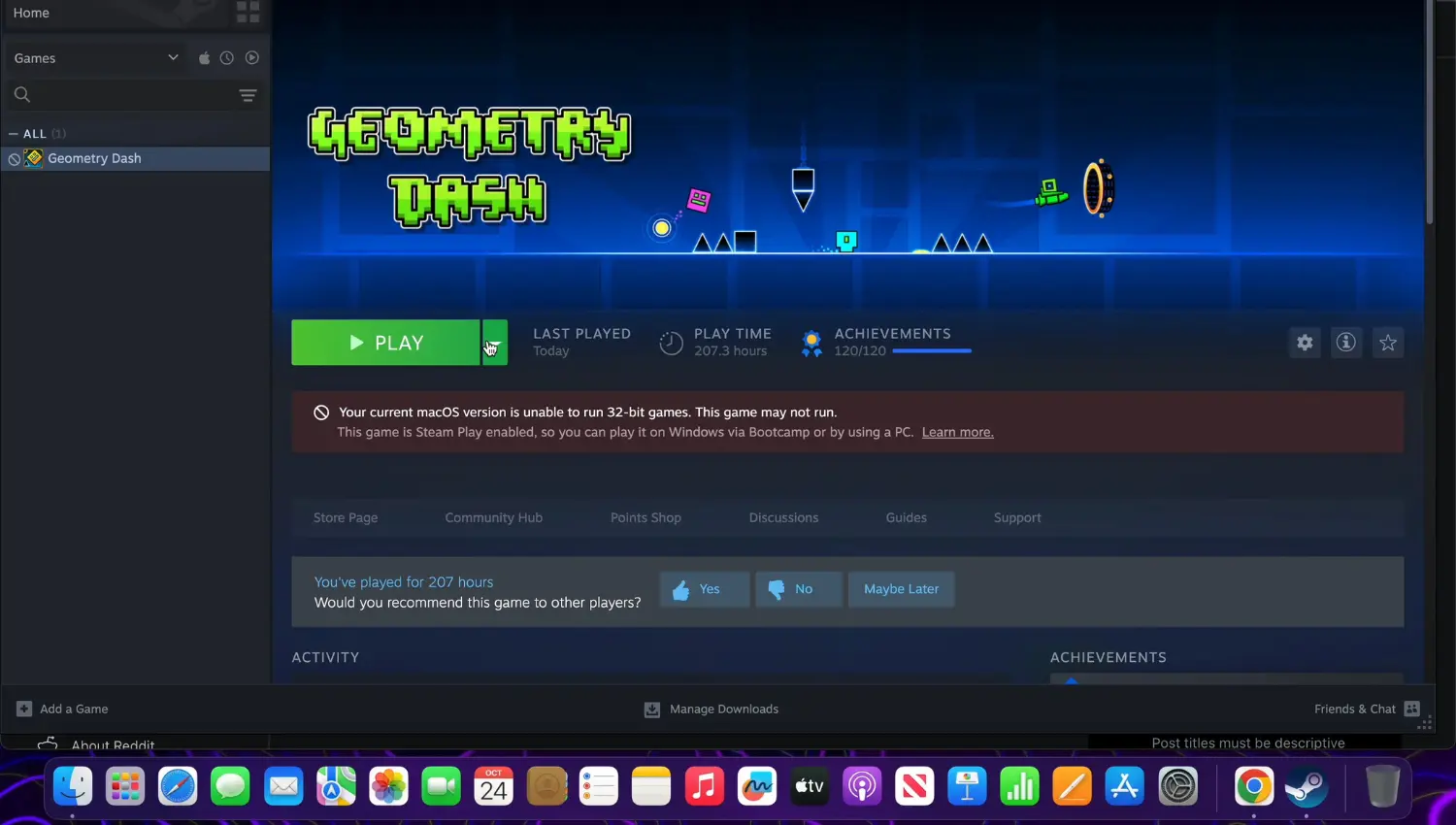
Setting up Geometry Dash v2.207 on MacOS is simple. You can download it directly from the App Store or sideload it using trusted sources if you want the unlocked version.
Official Steam Installation (Recommended)
1️⃣ Install Steam
Download the Steam client for Mac from the official website and log in.
2️⃣ Search for “Geometry Dash”
Type the name in the Steam store and select the official RobTop Games version.
3️⃣ Purchase Once
Pay a one-time price (usually $1.99–$3.99). Lifetime access, no ads, no subscriptions.
4️⃣ Install the Game
Click Install, and Steam will download the latest Mac build automatically.
5️⃣ Start Playing
Enjoy offline gameplay, smooth high-FPS performance, full Level Editor access, and progress sync through your RobTop account.
Geometry Dash 2.2 PC System Requirements
Geometry Dash v2.206 PC version is designed to run smoothly give players more enhanced experience, but here are the recommended specs for the best experience:
Requirement | Recommended |
|---|---|
Operating System | Windows 7 / macOS 10.9+ |
Processor | 2.0 GHz |
RAM | 4 GB |
Graphics | Intel HD or better |
Storage | 100 MB |
If you have older devices don’t worry, Geometry Dash runs very flawlessly even on very old laptops.
Geometry Dash for PC Version v2.206 Installation Video
Geometry Dash for PC vs Mobile vs Lite
Feature | PC Version | Android/iOS Version | Lite Version |
|---|---|---|---|
Performance | Best (240Hz) | Good | Medium |
Controls | Keyboard/Mouse | Touch | Touch |
Level Editor | Full access | Full access | Not included |
Custom Songs | Easy import | Supported | Limited |
Offline Play | Yes | Yes | Yes |
Screen Size | Large / HD | Small/Portable | Small |
Difficulty Feel | Easier due to accuracy | Harder | Beginner-friendly |
If you’re serious about beating tough levels, PC is the best platform for the Geometry Dash Game. For guides in-depth and iOS-level walkthroughs visit our Geometry Dash Blogs & Guides section.
Pros and Cons of Geometry Dash PC Version
Geometry Dash on PC delivers smoother performance and more precise controls, but like any platform, it comes with a few trade-offs. Here’s a quick look at the advantages and limitations.
Pros
Cons
Is Geometry Dash 2.2 for PC Is Worth Playing?
Switching to the PC version of Geometry Dash immediately shows the difference. Jumps feel cleaner, timing is more consistent, and controlling UFOs or Wave sections becomes much easier.
The visuals are sharper, making obstacles and backgrounds clearer, while the Level Editor runs faster and smoother, letting you build and test levels without frustration. Lag spikes are rare, and high-FPS gameplay ensures every move matches the rhythm perfectly.
Overall, the PC version provides one of the most polished and responsive Geometry Dash experiences available today, whether you’re clearing Demon levels, competing with friends, or creating your own maps.
If you prefer playing on mobile, you can check our Geometry Dash APK for Android and Geometry Dash for iOS pages. These guides help compare gameplay differences, controls, and syncing options across devices, ensuring you get the best experience no matter where you play.
Final Thoughts
After playing Geometry Dash on PC for months, the difference still surprises me. The timing feels tighter, the movements stay stable even in effect-heavy levels. The bigger screen makes wave corridors and tight ship routes easier to read.
Keyboard controls, HD graphics, and 240Hz support make a massive difference, and once you’ve played GD on a big screen, it’s almost impossible to go back.
Building levels on PC also changed everything for me, placing objects, adjusting triggers, and testing layouts is simply faster and more accurate with a mouse.
I’ve rebuilt two of my old mobile levels on PC, and both turned out cleaner and smoother than before. Once you get used to the HD visuals and near-zero input lag, going back to a phone or tablet feels strangely slow.